Free Online Screen Recorder — No Watermark
Record your whole screen, a single window or a browser tab — with system audio and an optional microphone — then play it back and download a clean WebM. No watermark, no time limit, nothing uploaded. It all runs locally in your browser.
Preview
REC
Your capture preview will appear here.
Hit Start recording and pick a screen, window or tab.
Hit Start recording and pick a screen, window or tab.
Advertisement
How to use it
- Hit Start recording and pick a screen, window or browser tab — tick microphone if you want to narrate.
- Do your thing. The timer and REC flag keep track while you record; nothing leaves your machine.
- Hit Stop, preview the take, then Download a clean WebM — no watermark, no time limit.
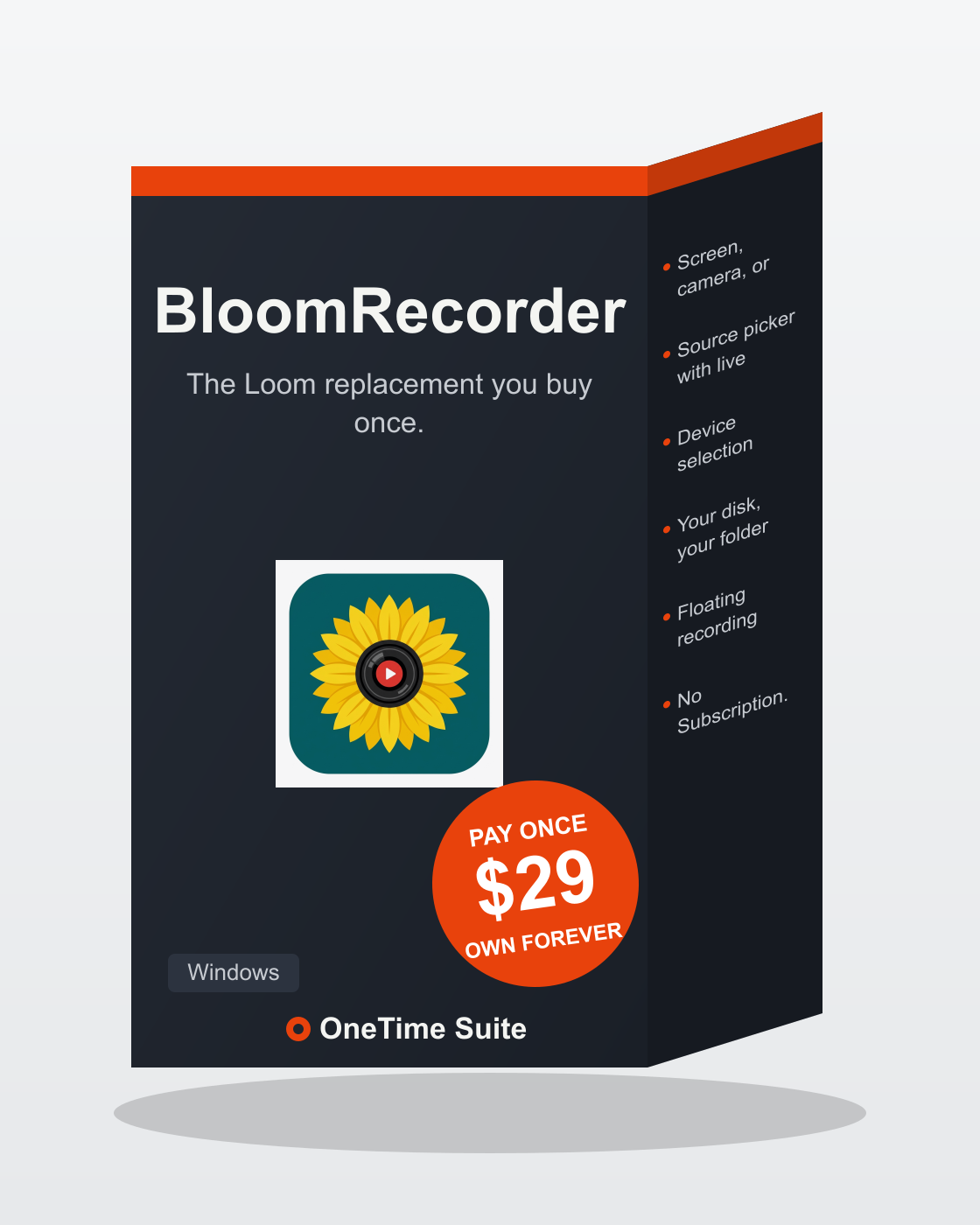
Want MP4 & optimized GIF export, trimming and a local library?
The Bloom Recorder desktop app does everything this demo does plus true MP4 and optimized GIF export, in-app trimming, a searchable local recording library, no length limits and no watermark — offline, forever, for $29 once. Own it, no subscription.