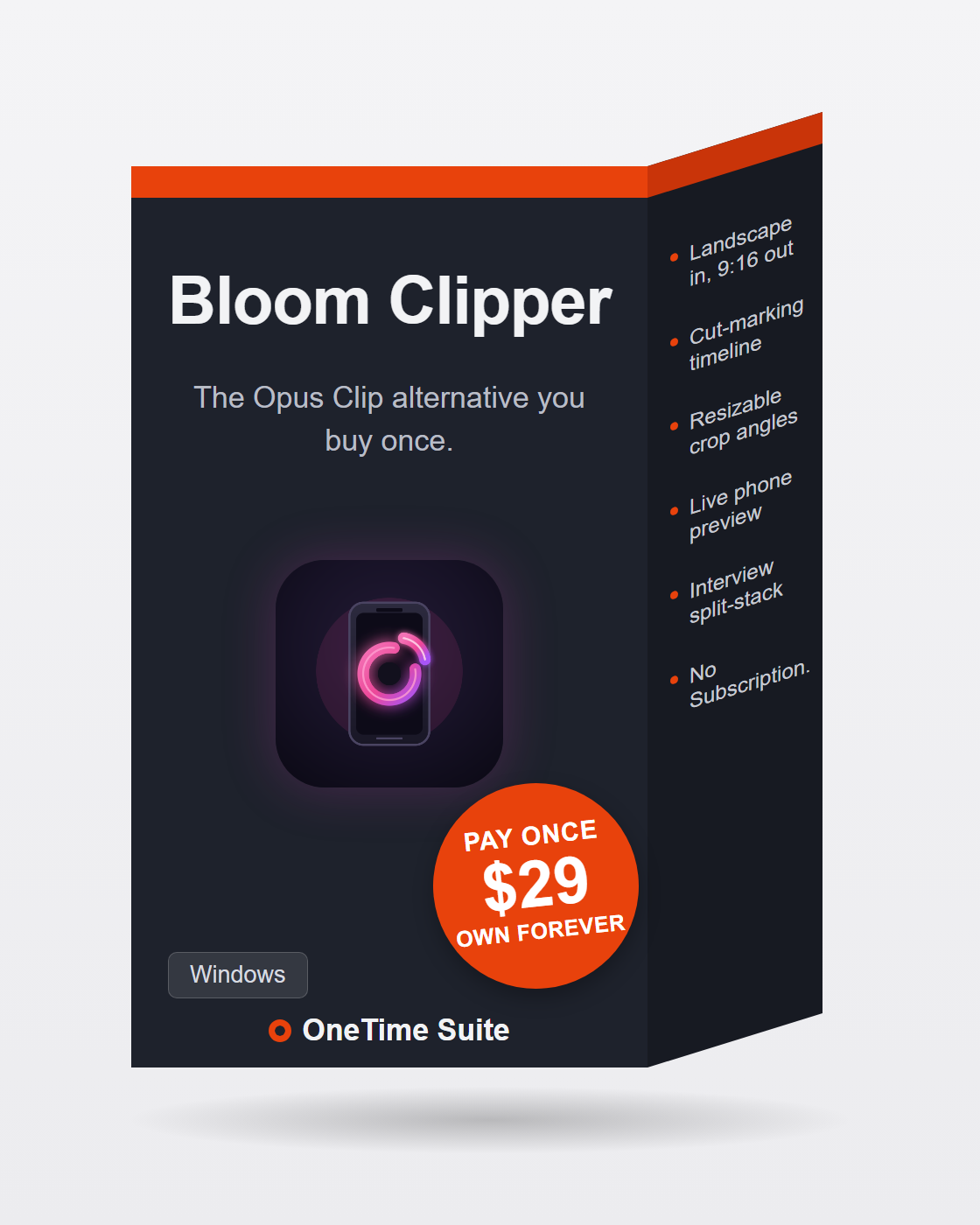
✂️ Bloom Clipper
The Opus Clip alternative you buy once.
Opus Clip runs $29 a month, meters your upload minutes, and processes your footage in its cloud. Bloom Clipper does the job on your own machine for $29, once: load a podcast or any long-form recording, mark the cuts on the timeline, frame each one with a draggable aspect-locked crop — or two stacked boxes for interviews — watch the result live on a phone-shaped preview, and export ready-to-post 1080×1920 MP4s. No upload, no watermark, no credits.
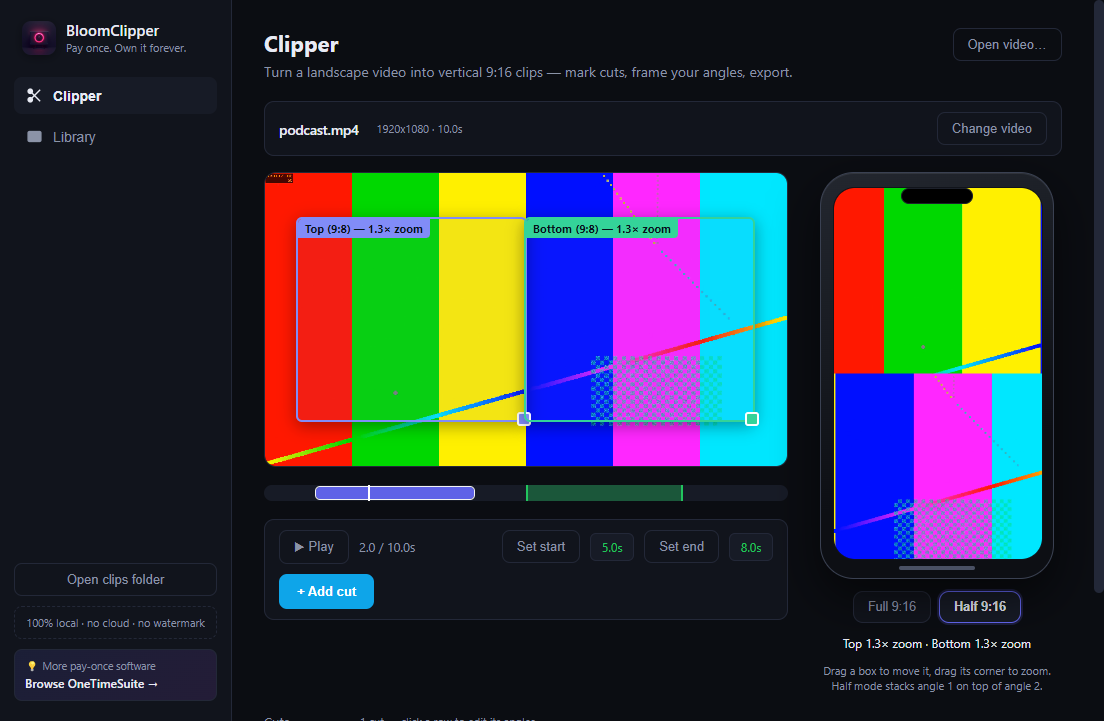
Bloom Clipper, as it actually looks — a real screenshot, not a mockup.
Features
Any source video
Open any MP4/WebM/MOV/MKV, or pick straight from your BloomRecorder and Bloom Meeting libraries with thumbnails.
Cut marking on a timeline
Scrub, set start/end, add the cut — every cut is an editable row you can tweak to the tenth of a second, preview in place, or delete.
Full 9:16 angle
One aspect-locked crop box over the source: drag to move, drag the corner to zoom, with a live zoom readout.
Interview split-stack mode
Two aspect-locked 9:8 boxes — one per speaker — and the render stacks them to fill the vertical frame.
Live phone preview
A phone mock shows exactly what the rendered 1080×1920 clip will look like, per cut, while you drag.
Per-cut angles
Every cut remembers its own mode and framing — switching Full/Half never loses your work.
Local Whisper captions
Quantized Whisper runs on your machine and burns captions in with drag-to-position placement and 4 styles. No cloud, no credits.
AI editing toolkit
Remove Silences, Descript-style transcript editing, and a Make Viral Reels pass that finds hook moments — all fully offline.
Ready-to-post exports
Every cut renders to a clips folder next to the source — 1080×1920 H.264 + AAC with faststart, per-clip progress, no watermark.
100% local
Zero telemetry, zero network calls, zero accounts. Your footage never leaves your machine.
Bloom Clipper vs Opus Clip
Opus Clip at $29/mo (Pro) runs roughly $348/year — $696 over two years. Bloom Clipper is $29, once.
| Bloom Clipper | Opus Clip | |
|---|---|---|
| Price | $29 once | $29/mo Pro (~$348/yr, forever) |
| Where footage is processed | Your own machine | Uploaded to their cloud |
| Upload minutes | Unlimited — it's your CPU | Metered per month |
| Framing control | Draggable aspect-locked crops + live phone preview | Auto AI framing |
| Interview split-stack | Yes — two 9:8 boxes, stacked | Limited |
| Captions | Local Whisper, 4 styles, burned in | Cloud, plan-limited |
| Watermark | Never | On free tier |
| Source code | MIT, on GitHub | Closed |
One month of Opus Clip Pro costs the same as owning Bloom Clipper outright — every clip after the first month is pure savings.
Three steps, no subscription
Buy once on Whop
One payment of $29 gets you the packaged installer. Or clone the MIT source and build it yourself for free.
Mark your cuts and frame them
Load any landscape video, scrub the timeline, add cuts, then drag the aspect-locked crop — or stack two boxes for an interview — while the phone preview shows the final result live.
Export ready-to-post clips
Every cut renders to 1080×1920 H.264 with faststart, straight into a clips folder next to your source. Add local Whisper captions if you want them burned in.
Honest answers
Does my video get uploaded anywhere?
No. Bloom Clipper makes zero network calls — clipping, captions, silence removal and rendering all run locally via bundled ffmpeg and on-device Whisper.
How does the interview mode work?
Half 9:16 mode gives you two aspect-locked 9:8 crop boxes, one per speaker. The render crops and scales each to 1080×960 and stacks angle 1 on top of angle 2 to fill the 1080×1920 frame.
Can I control the framing, or is it auto-only?
You control it. Each cut has its own draggable, corner-zoomable crop with a live zoom readout, and the phone preview shows the exact rendered result while you drag. No AI guessing where the speaker is.
Is the source code available?
Yes — Bloom Clipper is MIT-licensed at github.com/bensblueprints/bloomclipper. Buying the $29 package gets you the built installer and updates; building from source is free.
Does it work with my BloomRecorder or Bloom Meeting recordings?
Yes — it lists videos from both libraries as clip sources automatically, thumbnails included. Any other MP4/WebM/MOV/MKV works too.
Everything about Bloom Clipper — every page we have on it
Own Bloom Clipper forever
$29 once. Signed installer, 1-click setup, updates included. No renewal, no account with us, no meter. Or build it yourself from the MIT source — it's the same app.