🎧 Bloom Meeting
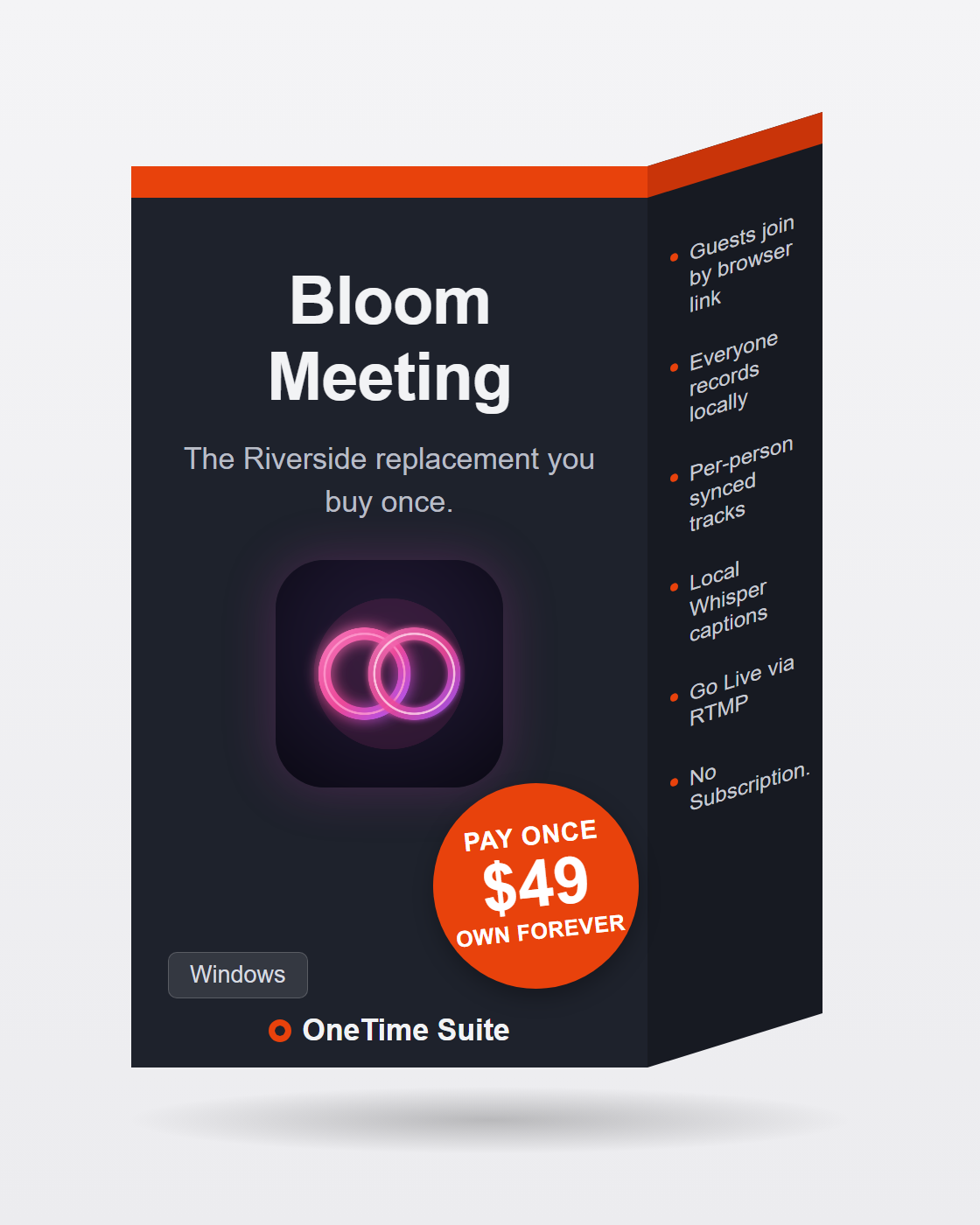
The Riverside replacement you buy once.
Riverside charges $15–29 a month, forever, and meters your recording hours. Bloom Meeting is the same core trick — the call carries the conversation while every participant records locally in studio quality — as a desktop app you buy once. Guests join from a browser link with nothing to install, their tracks upload during the call and collect into a synced take folder when the meeting ends, and the built-in toolkit transcribes, captions and auto-cuts the episode on your own machine. $49, once.
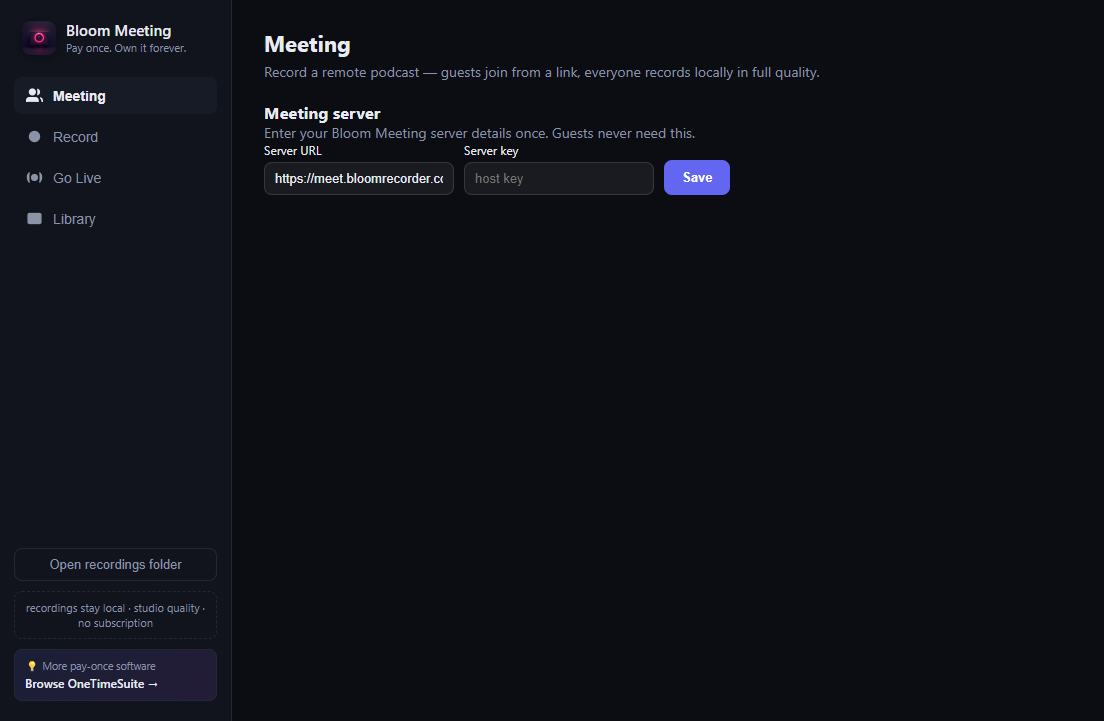
Bloom Meeting, as it actually looks — a real screenshot, not a mockup.
Features
Guests join from a browser link
Create a meeting and send one link — up to 4 guests plus the host, nothing to install on their end.
Everyone records locally
The live call is only for conversation. Each participant records in studio quality on their own machine — 8 Mbps VP9 video plus separate lossless-leaning Opus audio — so a bad connection never ruins the take.
Per-person synced tracks
Server-stamped start times and per-recorder clock offsets land in the take folder, so every track lines up on a timeline in post.
Tracks collect automatically
Guest recordings chunk-upload to the relay during the call; ending the meeting gathers every participant's files into one auto-titled take folder.
Go Live — RTMP streaming
Broadcast the composited meeting grid (speaker labels, solo/split/grid layouts) to Twitch or any RTMP server while you record.
Dynamic Edit — auto-cut episodes
Local Whisper transcribes each participant, then auto-cuts the episode — full-screen on the active speaker, split view on crosstalk — with per-segment manual override and a 1080p ffmpeg render.
AI captions, fully local
Whisper runs on your machine — no cloud credits, no upload. Captions burn in with drag-to-position placement.
Full editing toolkit built in
Silence removal, Descript-style transcript editing, viral-reel auto-cuts and vertical 9:16 exports — the whole BloomRecorder toolkit ships inside.
Solo recording too
Screen, camera or both, multi-camera takes and digital-zoom Scaled Angles — it replaces your screen recorder as well.
Your files, your hardware
Recordings live in take folders on your own disk. No account with us, no meter, no per-hour billing.
Bloom Meeting vs Riverside
Riverside at $15–29/mo runs roughly $288/year — $576 over two years. Bloom Meeting is $49, once.
| Bloom Meeting | Riverside | |
|---|---|---|
| Price | $49 once | $15–29/mo (~$180–348/yr, forever) |
| Recording hours | Unlimited | Metered by plan |
| Local per-participant recording | Yes — video + separate audio tracks | Yes |
| Guest join | Browser link, nothing to install | Browser link |
| Where recordings live | Take folders on your own disk | Their cloud |
| AI captions & transcription | Local Whisper — unlimited, offline | Cloud, plan-limited |
| Auto-cut speaker editing | Dynamic Edit included | Paid AI tier |
| RTMP live streaming | Included — Twitch or any RTMP server | Higher tiers |
| Source code | MIT, on GitHub | Closed |
Bloom Meeting costs less than three months of Riverside Standard — after that, every remote session, caption pass and auto-cut episode is free, forever.
Three steps, no subscription
Buy once on Whop
One payment of $49 gets you the packaged installer. Or clone the MIT source and build it yourself for free.
Create a meeting, send the link
Guests open it in a browser — no install, no account. Talk like it's a normal call while everyone records locally in studio quality.
End the meeting, cut the episode
Tracks collect into a synced take folder. Run Dynamic Edit to auto-cut around the active speaker, add local Whisper captions, and export — 1080p episode or vertical reels.
Honest answers
Do my guests have to install anything?
No. Guests open a browser link — up to 4 guests plus the host. Only the host runs the desktop app.
What happens if the connection is bad during the call?
Nothing, to the recording. The live call only carries the conversation — each participant records locally on their own machine, so the tracks are studio quality even if the call stutters.
How do I get my guests' recordings?
They upload in chunks to the relay server during the call. When you end the meeting, every participant's tracks collect into one take folder with per-recorder sync offsets, ready to line up in post.
Can it edit the episode for me?
Yes — Dynamic Edit transcribes each participant locally with Whisper and auto-cuts the episode: full-screen on the active speaker, split view on crosstalk. You can override any segment, then it renders 1080p via ffmpeg with offset-aligned audio.
Is the source code available?
Yes — Bloom Meeting is MIT-licensed at github.com/bensblueprints/bloommeeting. Buying the $49 package gets you the built installer and updates; building from source is free.
How is this different from BloomRecorder?
BloomRecorder records the machine it runs on. Bloom Meeting is built on the same toolkit and adds remote guests: browser links, local recording per participant, synced take collection, RTMP streaming and auto-cut multi-speaker editing.
Everything about Bloom Meeting — every page we have on it
Own Bloom Meeting forever
$49 once. Signed installer, 1-click setup, updates included. No renewal, no account with us, no meter. Or build it yourself from the MIT source — it's the same app.